Screenshotli

Screenshotli

Capture. Annotate. Ship.

A native macOS screenshot app built for engineers, designers, and indie devs. Grab any region in one keystroke, annotate it without leaving your flow, and wrap it in an App Store-ready device frame — all in one tool.

macOS 14 Sonoma or later · Apple Silicon & Intel · Swiss-made

Everything you need for great screenshots.

No bloat, no subscriptions. Just the tools you actually reach for.

Instant region capture

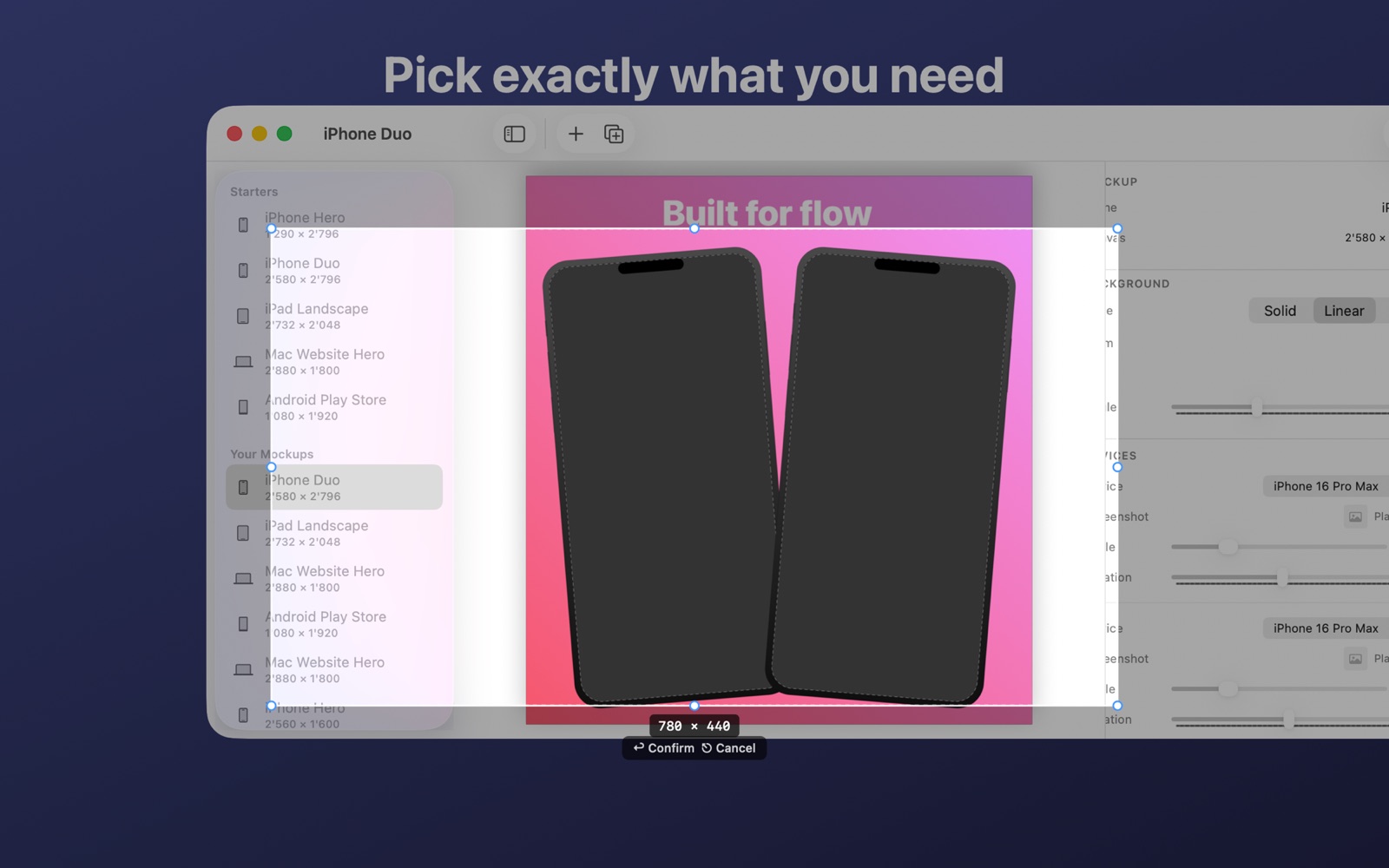
One global hotkey. Draw a selection with live measurements, adjust edges with handles, hit Enter.

11 annotation tools

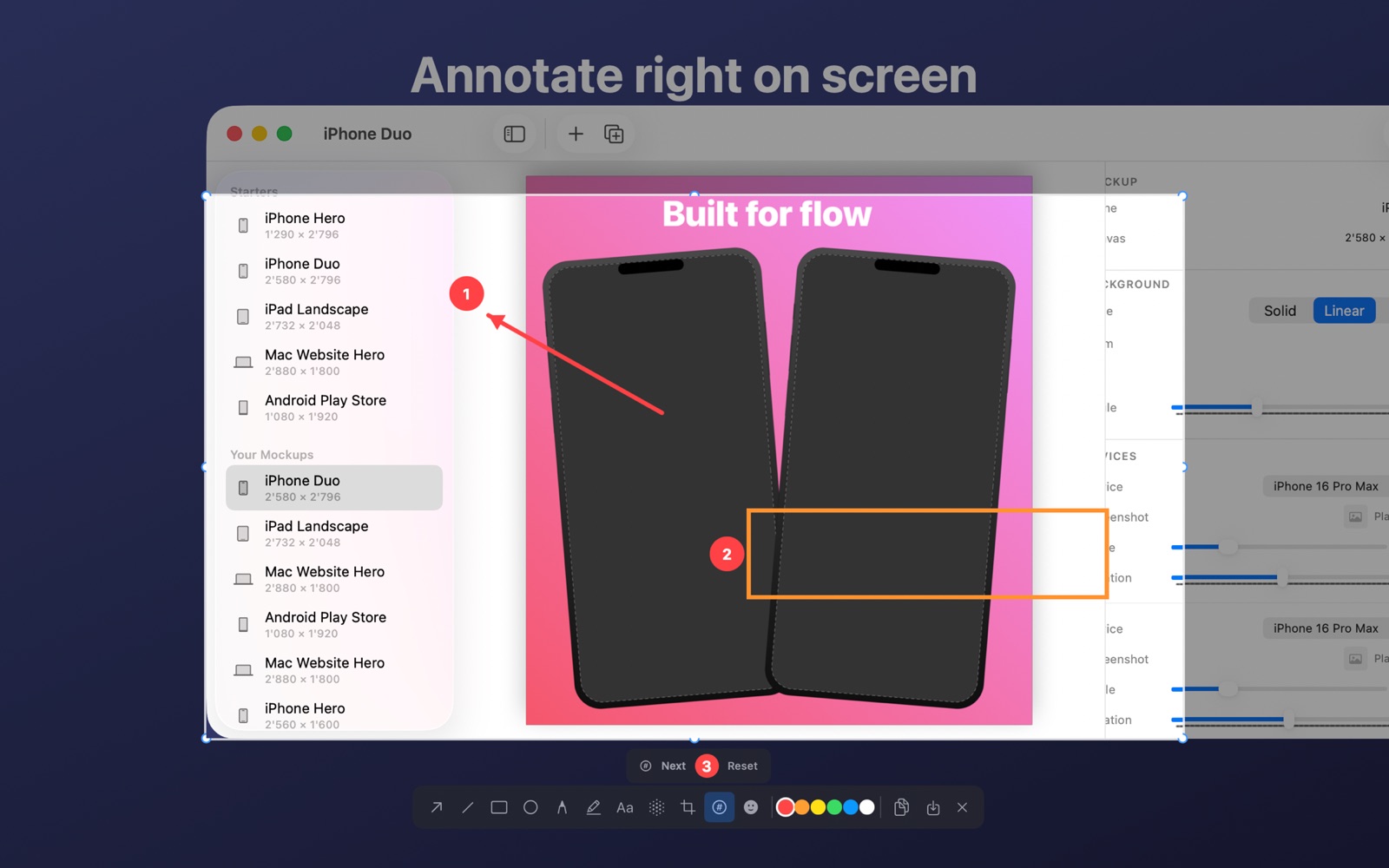
Arrow, line, rectangle, ellipse, pencil, highlighter, text, blur, crop, counter, emoji. All non-destructive.

Inline editor

Annotate right where you captured, without jumping to a separate window. Floating toolbar follows your selection.

Preset capture

Pick a target pixel size, position your window under an on-screen frame, and shoot with a clean 9:41 menu bar baked in.

Mockup editor

Wrap shots in iPhone, iPad, Mac, Android, or Safari frames. Add marketing text. Export at any App Store size.

History you can search

Every capture is saved, named, tagged. Drop any history shot into a mockup with one click.

Native everywhere

Built in Swift with SwiftUI + AppKit. Retina-sharp output. Respects your accent color, dark mode, and keyboard shortcuts.

Keyboard-first

⌘Z undo, Delete to remove, ⇧ to nudge, ⌘N new mockup, ⌘E export. No reaching for the mouse.

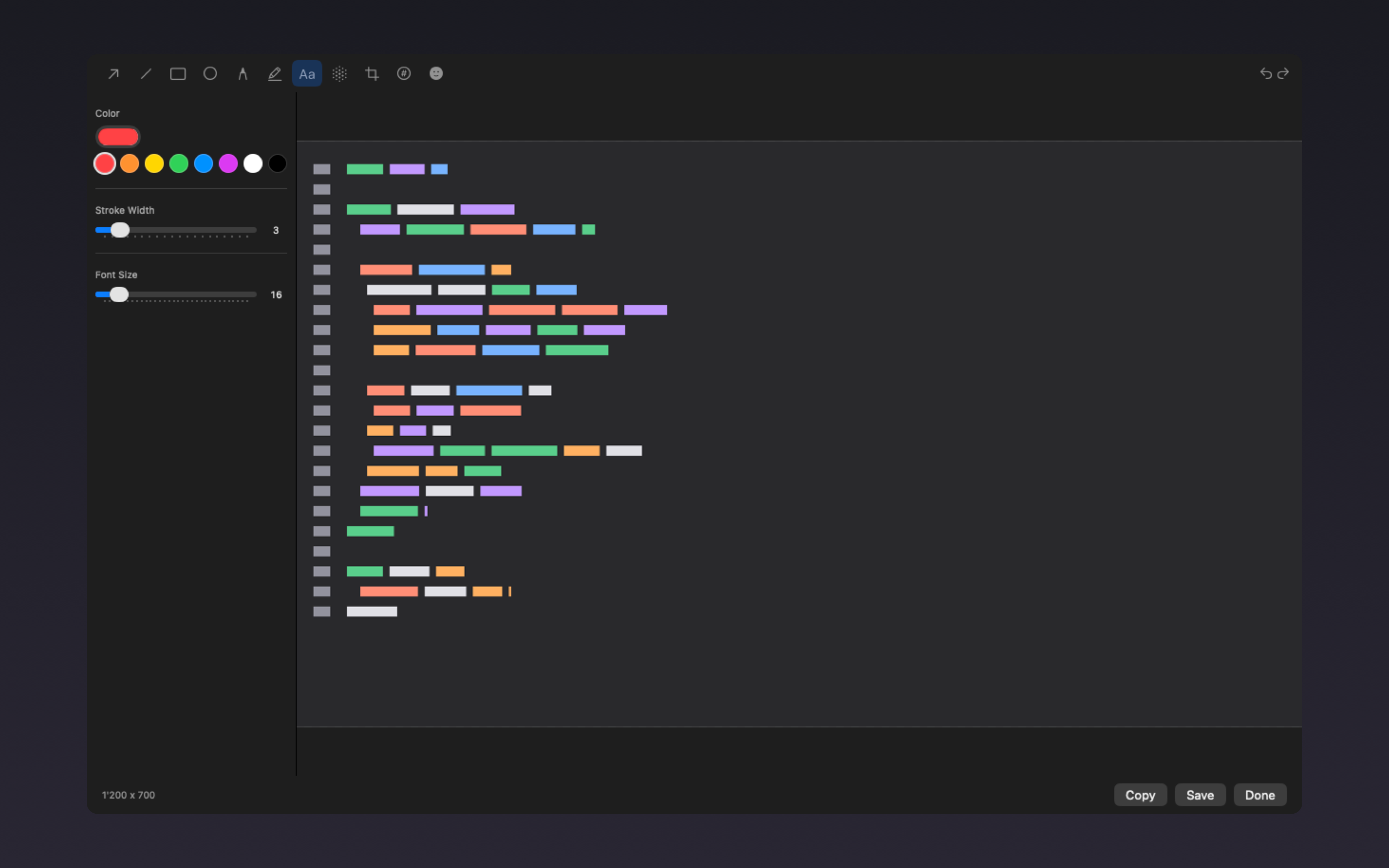
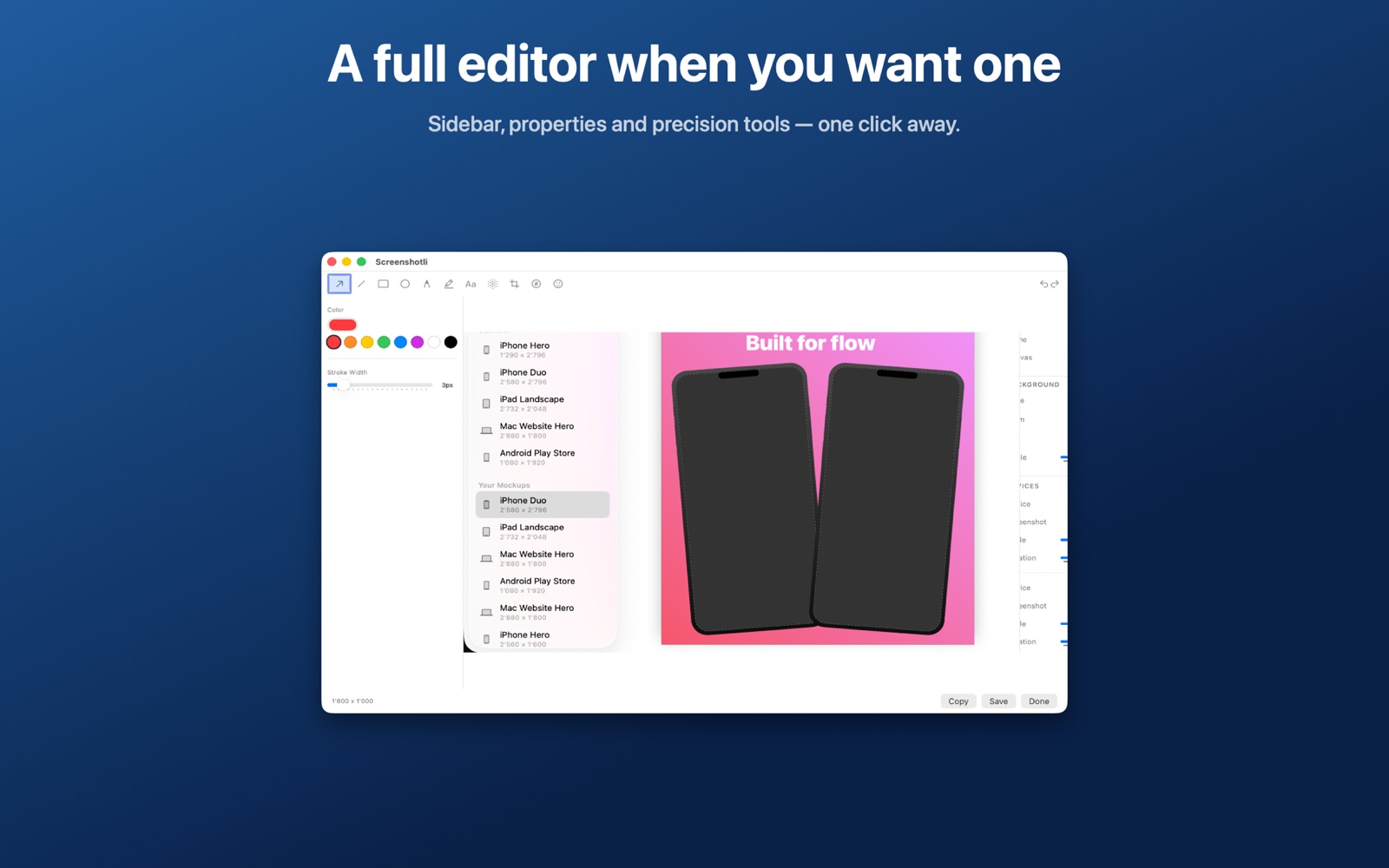
Screenshotli full editor with a captured screenshot being annotated.
New

Marketing screenshots in minutes.

The built-in Mockup Editor wraps any screenshot in a real device frame — iPhone, iPad, Mac, Android, Safari — on a gradient background with your headline. Export at exact App Store and Play Store pixel sizes.

  • iPhone 6.9" / 6.7" / 6.1" / 5.5", iPad 13" / 12.9" / 11", Mac, Android, Safari
  • Multi-shot layouts for full App Store galleries
  • Gradient & solid backgrounds, custom text with font & weight
  • Direct-manipulation canvas with undo/redo
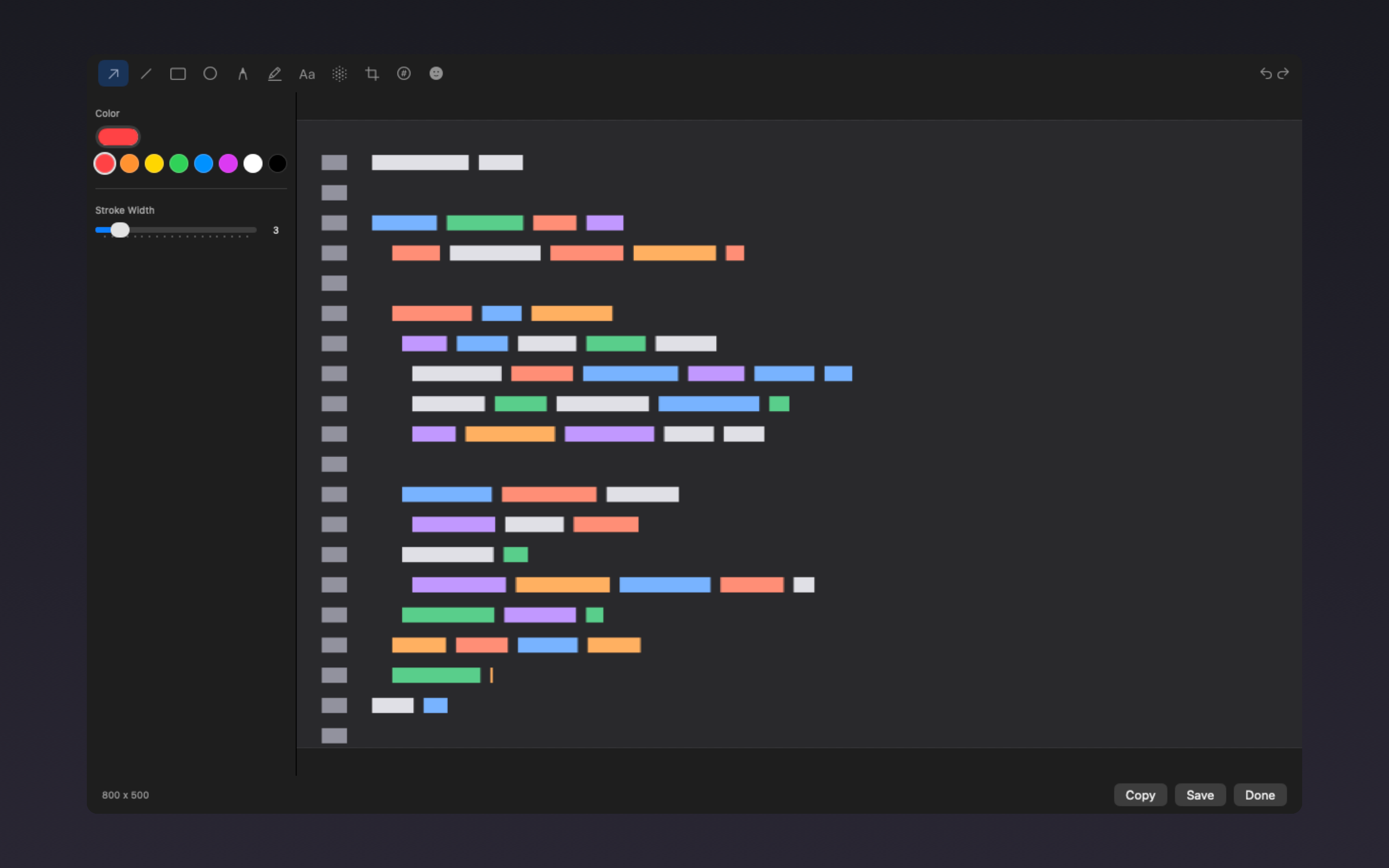
Screenshotli mockup editor showing device frames and inspector.
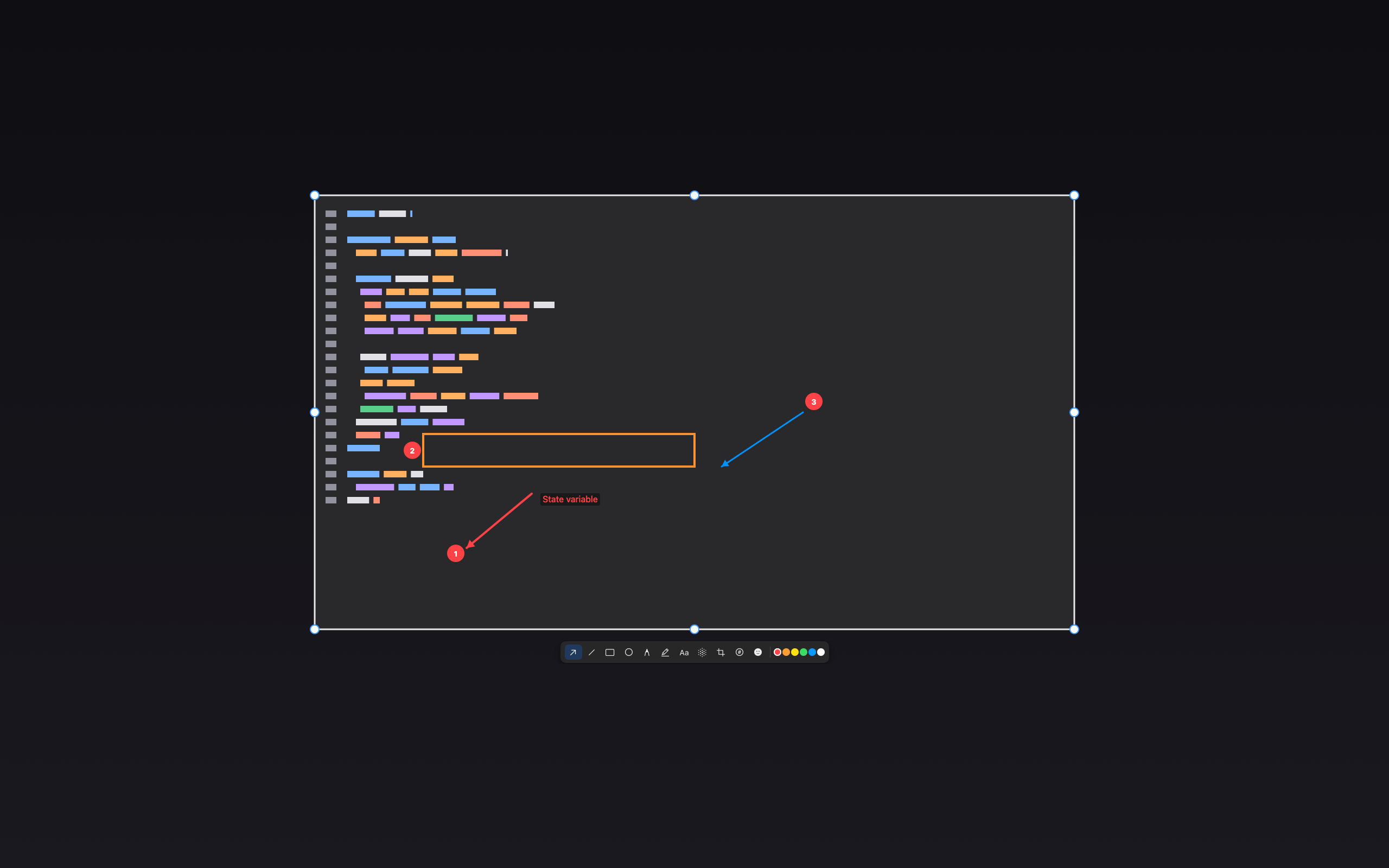
Inline editor on a captured region, floating toolbar below.
Inline editor

Annotate where you captured.

No context switch. The floating toolbar appears right under your selection with every tool one keystroke away. Resize the captured area with the corner handles and it re-captures instantly.

Menu bar app

Always one shortcut away.

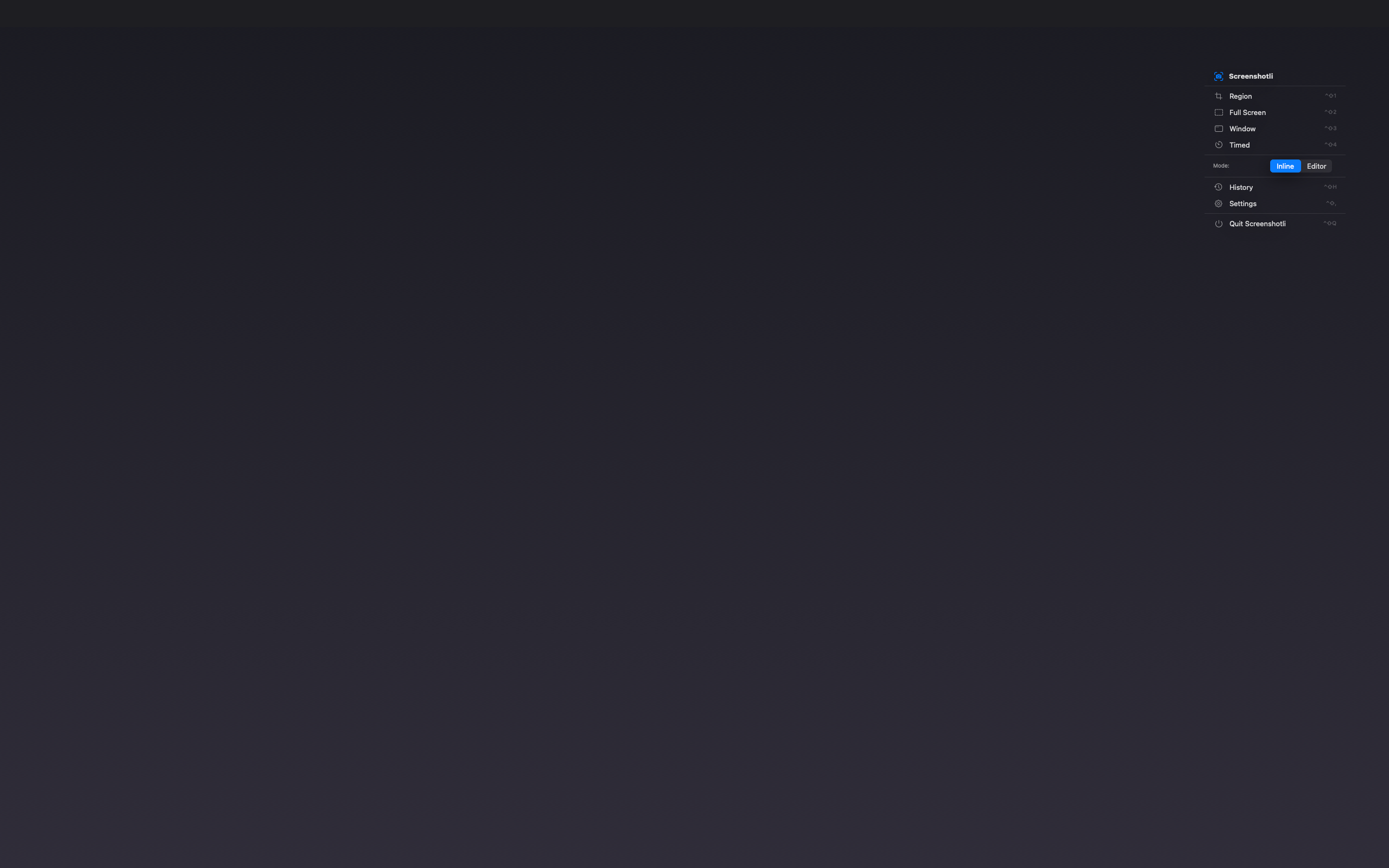
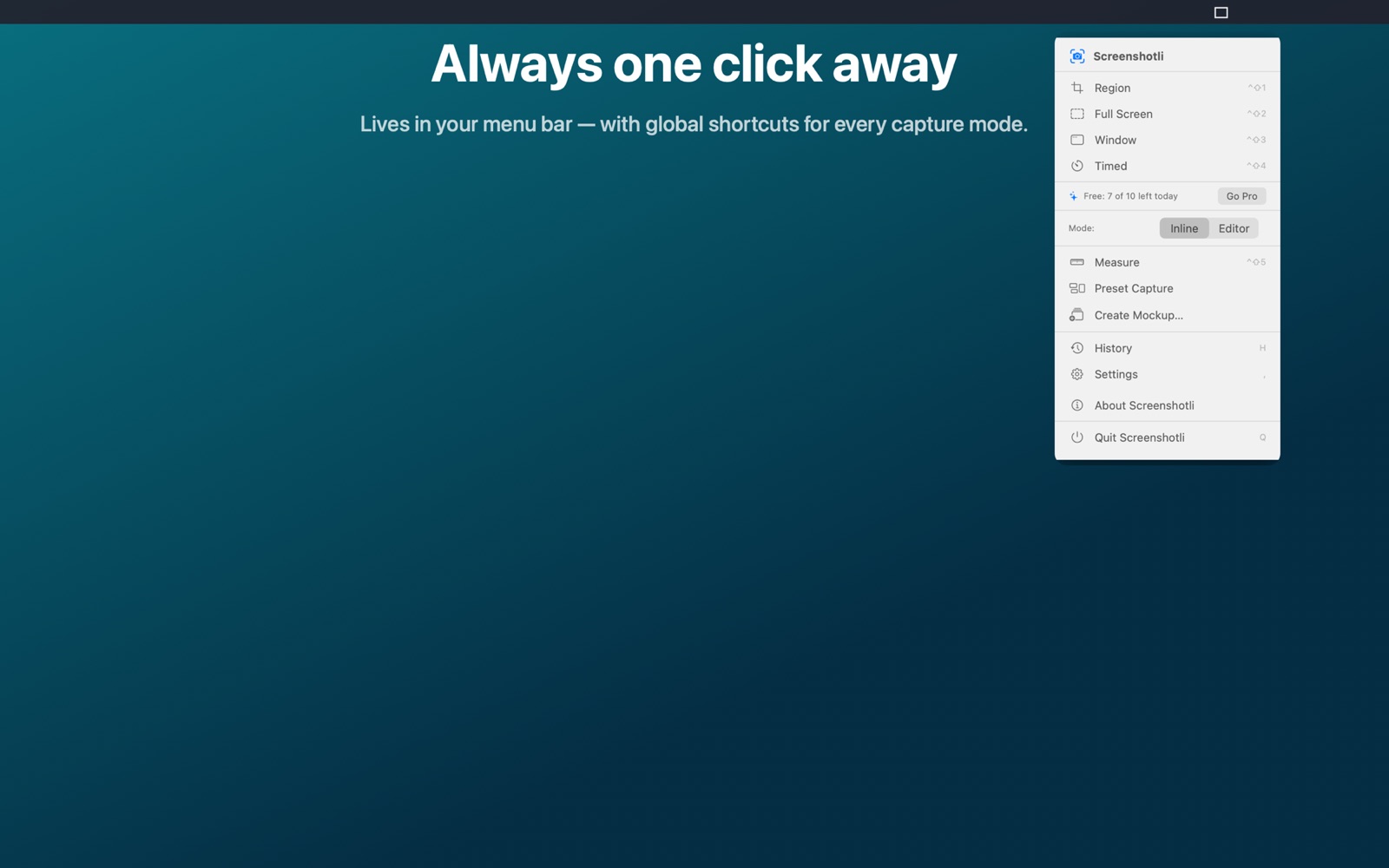
Screenshotli lives in your menu bar — no Dock clutter. Trigger a region, full-screen, window, or timed capture with a global hotkey you choose. Launch the Mockup Editor with one click.

Menu bar popover with Screenshotli actions.

Made to look good on its own work.

A few captures from the app itself.

Frequently asked questions

Everything teams ask before they install a new Mac screenshot tool.

What is Screenshotli?

Screenshotli is a native macOS screenshot app that combines fast region capture, a complete annotation toolkit, and a built-in mockup editor. It runs from the menu bar and exports screenshots at App Store and Play Store pixel sizes.

Does Screenshotli work on Apple Silicon and Intel Macs?

Yes. Screenshotli is a universal macOS app that runs natively on Apple Silicon (M1, M2, M3, M4) and Intel Macs. It requires macOS 14 Sonoma or later.

Can I create App Store screenshots with Screenshotli?

Yes. The built-in Mockup Editor wraps your captures in iPhone, iPad, Mac, Android, or Safari device frames on a gradient background, and exports at exact App Store and Play Store pixel sizes — iPhone 6.9", 6.7", 6.1", 5.5", iPad 13", 12.9", 11", Mac, and Android Phone / Tablet.

How is Screenshotli different from CleanShot, Shottr, or Xnapper?

Screenshotli combines screenshot capture, annotation, and device-mockup generation in one native app — no handing files between tools. It’s written in Swift with strict concurrency, renders at true retina resolution, and is free during beta.

Is Screenshotli free?

Screenshotli is free during public beta on the Mac App Store. No account required.

Does Screenshotli support keyboard shortcuts?

Yes. A global hotkey triggers capture. The editor responds to the standard macOS shortcut language: ⌘Z / ⇧⌘Z for undo and redo, Delete to remove selection, ⌘N for a new mockup, ⌘D to duplicate, ⌘E to export, Shift + arrows to nudge by 10 points.

Screenshotli is coming soon.

Launching on the Mac App Store. Free during beta.

Request Beta Access

macOS 14 Sonoma or later. Get notified at launch.